Synportal
The BGS Parent Portal

Synportal
The Parents’ Portal (SynPortal) is a publicly available secure webpage for parents to access your own and your son’s details. SynPortal offers the following facilities:
• Reports – Access to your son’s reports in PDF format
• Finance – Access to your financial statements
All parents were sent an updated Username and Password to log into SynPortal at the start of the year.
How to access Synportal
Step 1
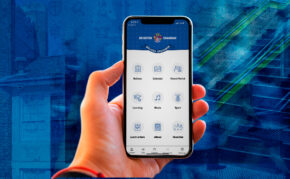
The easiest way to access Synportal is via the BGS app.
Step 2
Sign in using your Brighton Grammar login details. If you need any assistance with login details, email parentassist@brightongrammar.vic.edu.au
Step 3
Go to the Parent Portal module on the BGS app and then tap on any of the Synportal options there.
Step 1
Go to Synportal https://synportal.brightongrammar.vic.edu.au/
Step 2
Sign in using your Brighton Grammar login details. If you need any assistance for login details, parentassist@brightongrammar.vic.edu.au
Do you need help or have an issue?
For additional support, please log your query with Parent Assist.