BGS app
A guide to the BGS app for current parents
The BGS app
All parents will need to update the BGS App on their device on or after Monday 8 December 2025 to access the new features for 2026.
How to access student reports
The BGS app is the School’s primary parent communication tool for day-to-day operational matters, so it is essential that all parents download the app.
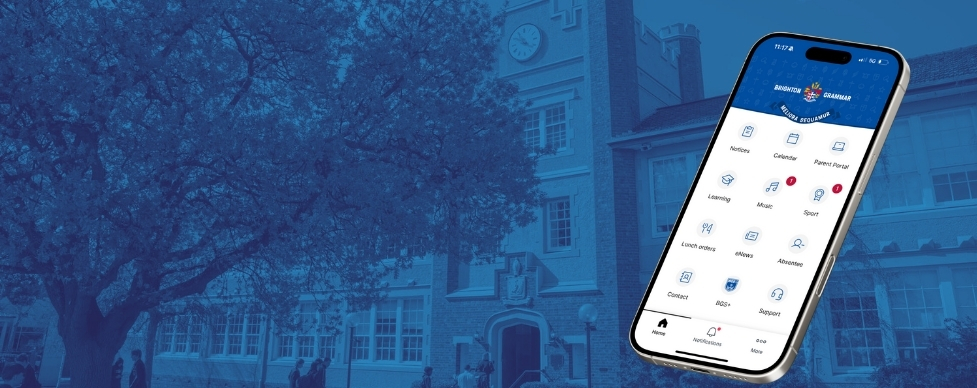
With the BGS app you can access the latest eNews, school notices, parent portal, calendars, music and sport information relevant to your son(s), on your mobile phone or tablet, using a single sign-on.
How to access the BGS app
Step 1
Search ‘Brighton Grammar’ in the App store on your iPhone and download. You can use this link to download the app below.

Step 2
Sign in using your Brighton Grammar login details as you would currently use for SynPortal/Schoolbox. If you need any assistance for login details, you can amend your details.
Step 3
Manage Subscriptions. Tap settings, then Subscriptions to make your selection. This is an opt-in system, you will need to select categories relevant to your son/s. You can change your subscriptions at any time.
Step 1
Search ‘Brighton Grammar’ on Google Play from your phone and download. You can use this link to download the app below.

Step 2
Sign in using your Brighton Grammar login details as you would currently use for SynPortal/Schoolbox. If you need any assistance for login details, you can amend your details.
Step 3
Manage Subscriptions. Tap settings, then Subscriptions to make your selection. This is an opt-out system, you will need to select categories relevant to your son/s. You can change your subscriptions at any time.
Do you need help or have an issue?
For additional support, please log your query with Parent Assist.
An overview of the Modules
-
Notifications

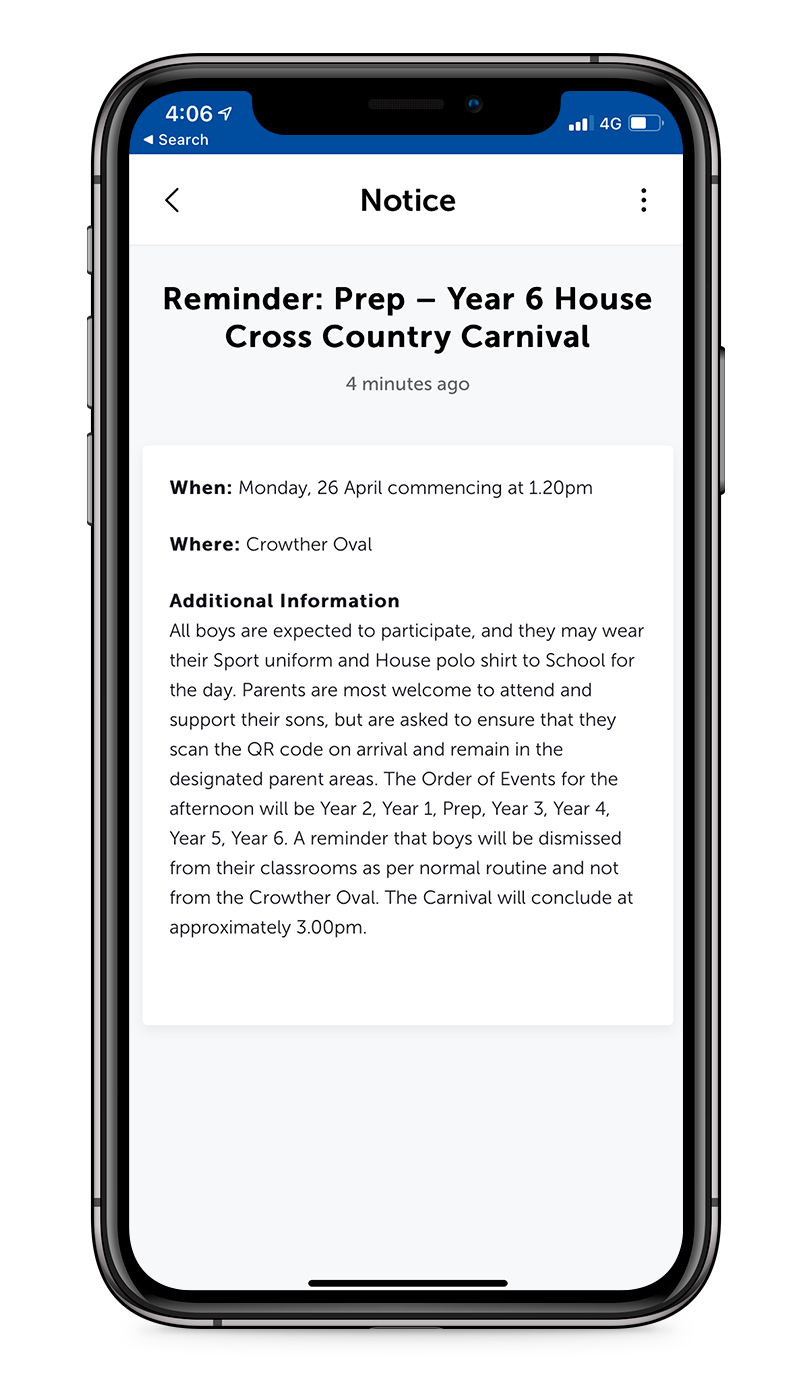
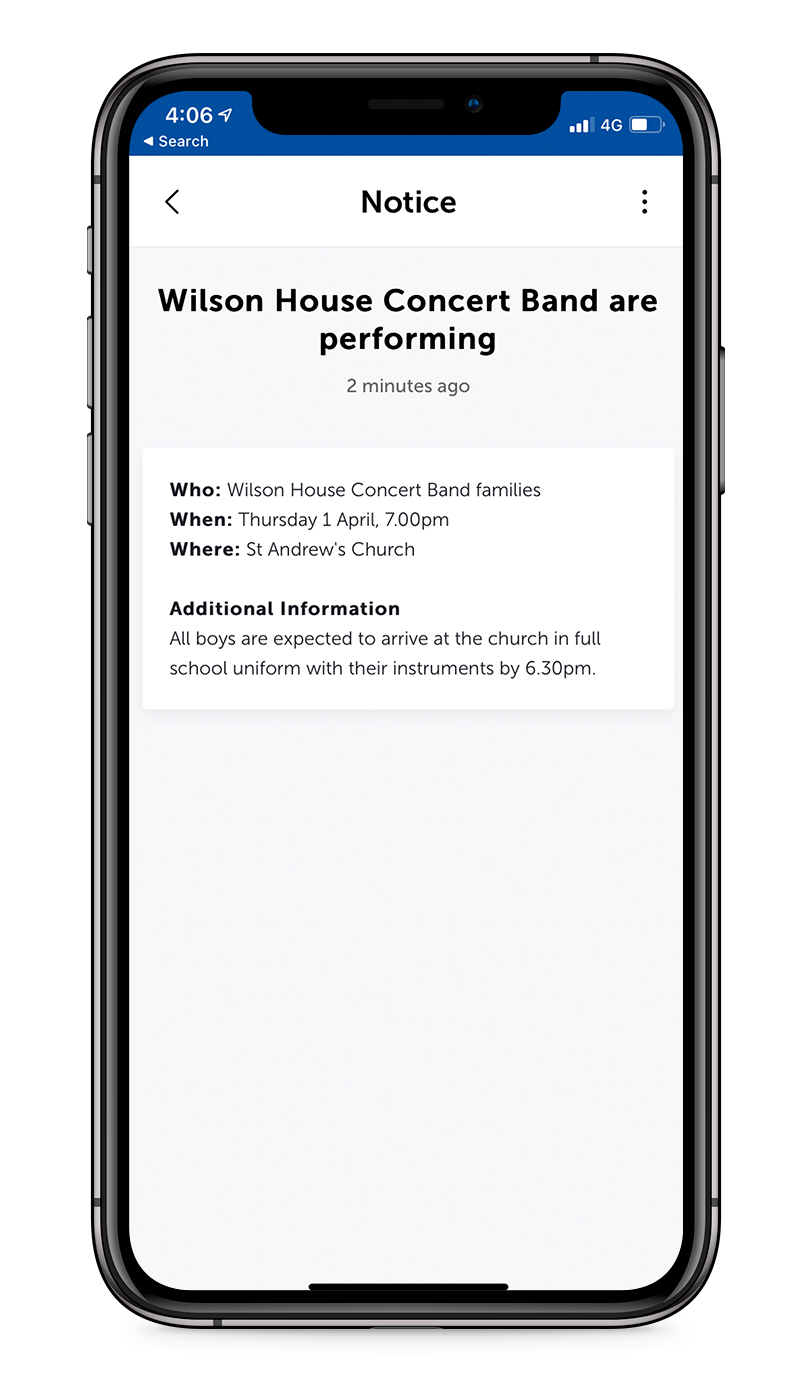
Here you will find information and announcements relevant to your son(s) year level.

You will need to opt-in to be notified of specific music groups via the Music modules via Settings under Subscriptions.
-
Calendars
School Calendar
The calendar module contains dates and events relevant to whole school events. You cannot filter for a particular Year level or section of the school.APS Sport Fixtures
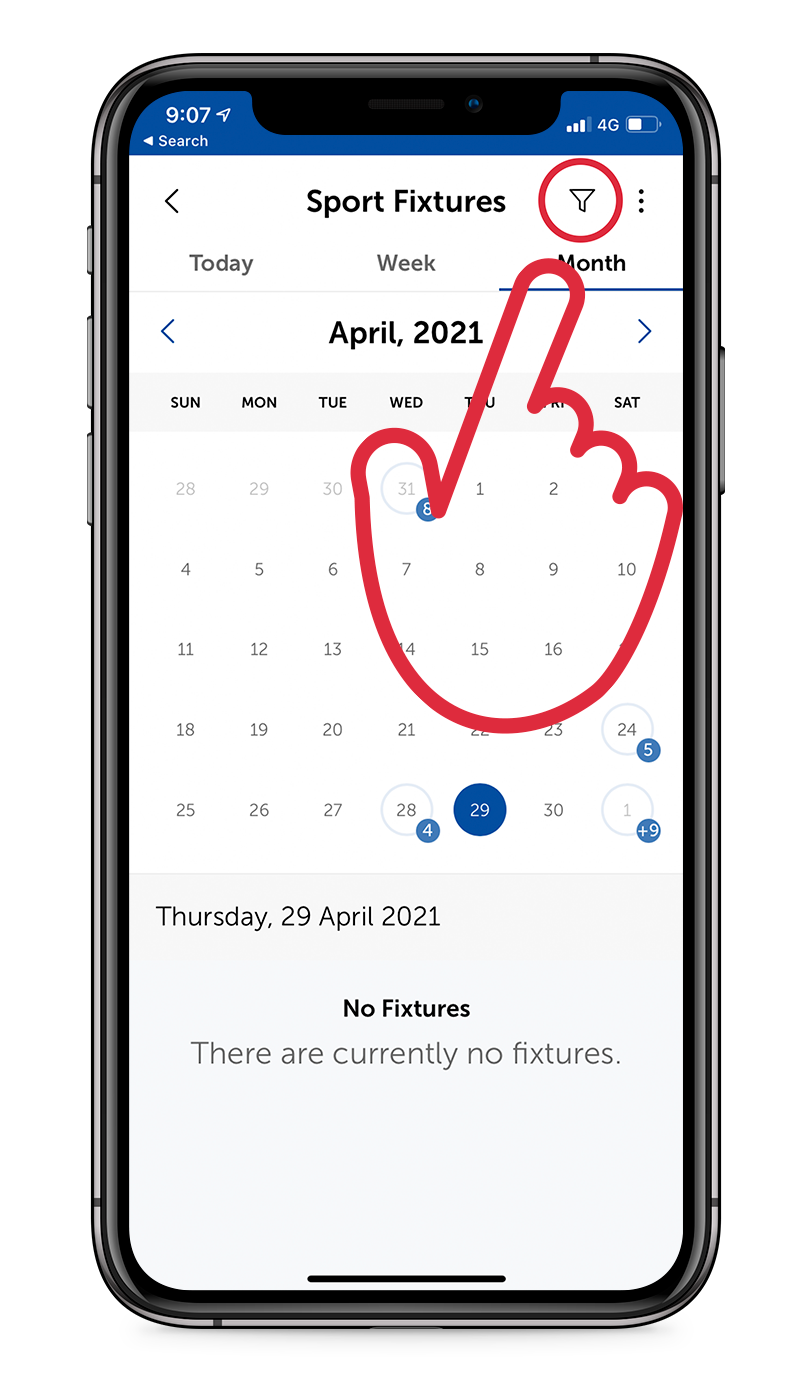
To see your son’s APS Sport Fixtures please choose the Sport icon.Sports fixtures are subject to change, please ensure you check the fixtures weekly for any updates to times/venues
-
Parent Portal
This is the app version of SynPortal and contains:
- Attendance records
- Finance information
- Internal assessment results (Secondary School)
- Pay fees online
- Reports
- Update contact details
- Music Forms
- Parent Teacher Interview (Junior School)
- Parents’ Contact List
-
Learning
This module contains:
- Notifications – Teaching & Learning notifications specific to your son(s) including Learning Moments (Junior School
- News – Co-curricular and general updates for students
- Timetable – Your son(s) timetable
- Classes and Grades (Secondary School) – Schoolbox
- Due Work (Secondary School)
- Contacts – academic and pastoral contacts relevant to your son(s)
-
Music
This module contains:
- Notifications specific to students who participate in Ensembles, Bands, Choirs, Quartets and Orchestras across the School
- This is an opt-in module, you must select categories you wish to appear via Settings under Subscriptions
- To access individual music lessons, please view via Learning/Timetable
-
Sport
This module contains:
- The Clipboard app to manage Secondary School APS sport teams, fixtures, and communications.
- Instant updates when schedules change or notices go out.
- Notifications of any cancelled trainings/matches.
- An up-to-date calendar of all activities in one place including locations and arrival times.
- Bus details for required away fixtures.
- Absences and attendance, with alerts for missed sessions.
Parents will need to update the BGS App on their device on or after Monday 8 December 2025 to access the new features for 2026.
-
Lunch orders
This module links to Flexischools to pre-order lunches for Junior School and Secondary School.
Please note: You will need your Flexischools login details to access.
-
eNews
Read the latest weekly eNews from Junior School, Secondary School and the Crowther Centre.
-
Absentee
Notify the school of your son(s) absence when he is unwell or absent from school via the Absentee module. You can also log a late arrival or early departure.
-
Menu Bar

Contact
List of main contacts and reception points across the school.BGS+
Innovative programs for children to access outside of the normal school day including BGS Swim, Invicta, Tennis, Soccer and more.Support
Need help? Contact BGS Support DeskSchool Info
An alphabetical listing of information relevant to BGS families including:- Bus information
- Booklists
- Maps
- Out of school hour care
- Uniform shop
- School policies
- Term dates
- School website